> ## Documentation Index
> Fetch the complete documentation index at: https://resource-center-zoho-crm-staging-feb20.mintlify.site/llms.txt
> Use this file to discover all available pages before exploring further.
# Business carrier registration
> How to register your business for carrier compliance (A2P 10DLC) with Quo, formerly OpenPhone.
## Overview
Registering your business for carrier compliance (A2P 10DLC) ensures your messages are delivered reliably and in compliance with carrier regulations.
## Who should register as a business?
* Incorporated businesses (LLC, Corp, etc.)
* Organizations with an EIN (Employer Identification Number)
* Businesses sending messages on behalf of a brand or company
## Watch our walkthrough
## Steps to register
1. **Gather your business information:**
* Legal business name (including info like whether you're an LLC, an S-Corp, etc)
* EIN (Employer Identification Number)
* Official business address
* Your industry/vertical
2. **Submit your registration:**
* Go to **Settings**, then click [**Trust center**](https://my.quo.com/settings/trust)
* Choose **"Register now"**
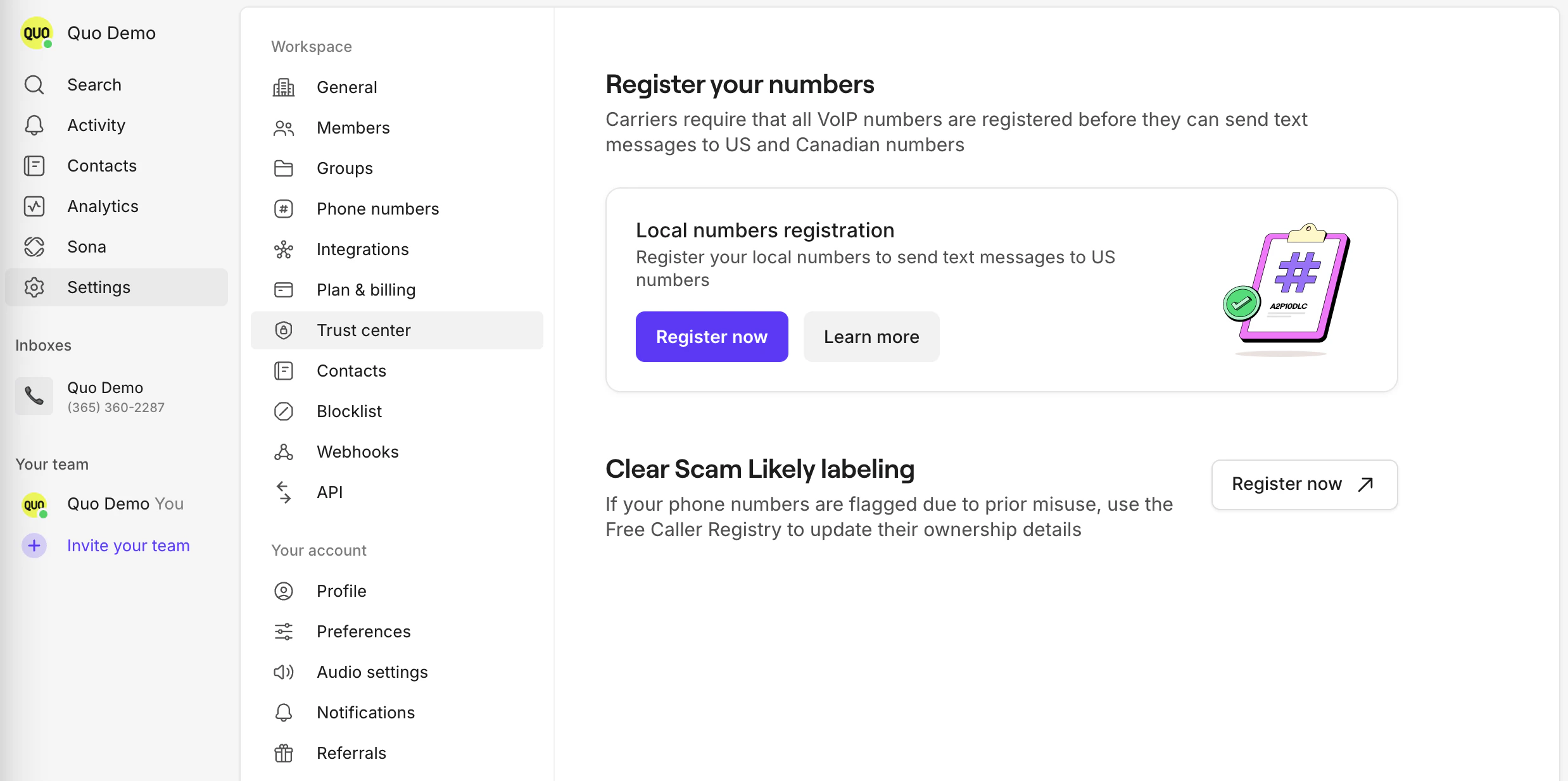 * Select **For business** as your registration type
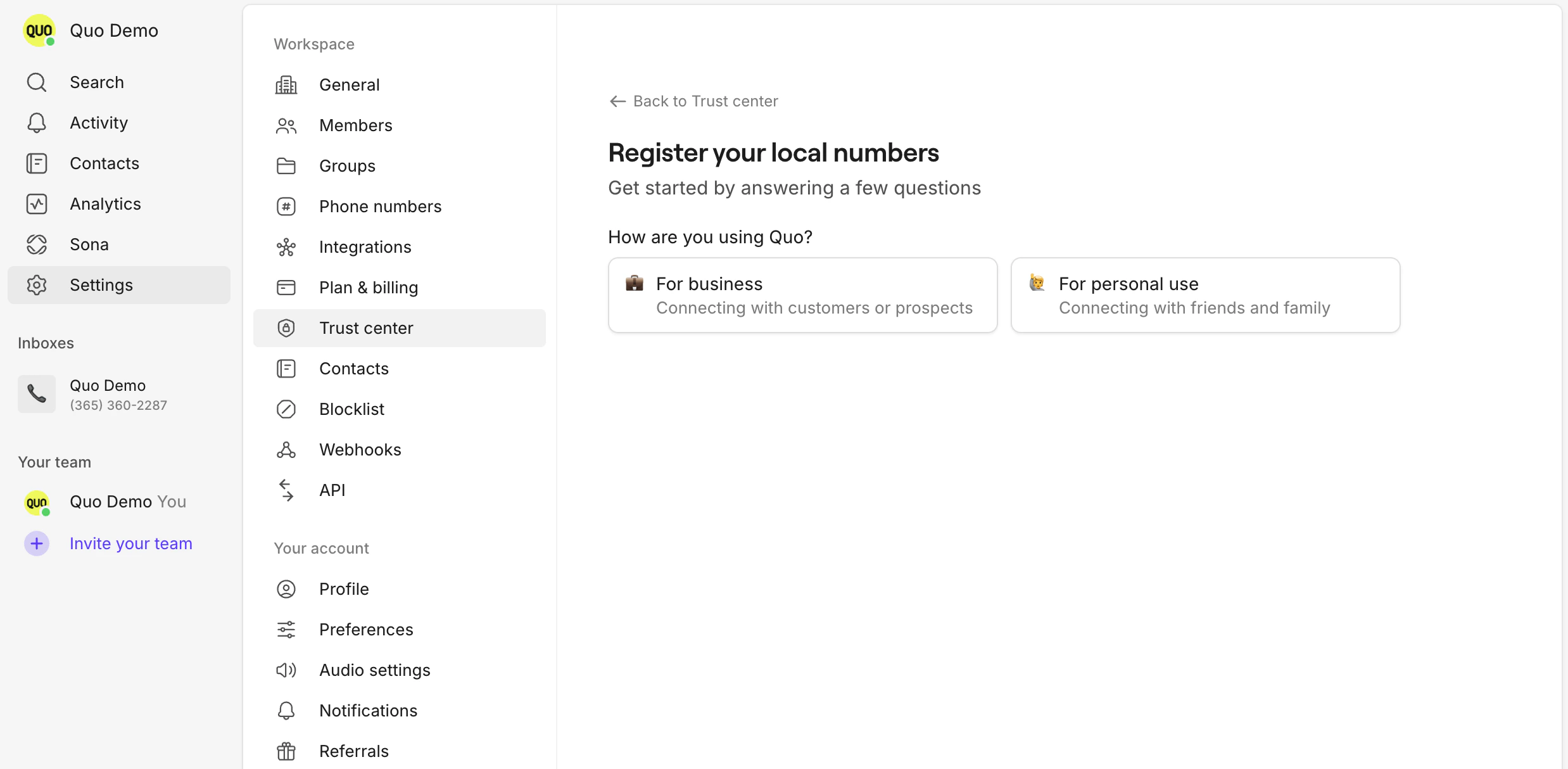 * Fill out the required fields and submit
3. **Wait for approval:**
* Carrier review can take 1-3 business days
* You’ll be notified by email when your registration is approved or if more information is needed
## Tips
* Double-check your EIN and business name for accuracy
* Use your official business address (this cannot be a PO Box, it MUST be a physical address)
* If you have multiple brands, register each separately
***
## Need support?
[Submit a request](https://support.quo.com/help/submit-a-request) to our support team or [chat with us](https://support.quo.com/help/chat-with-us).
***
## FAQs
* Fill out the required fields and submit
3. **Wait for approval:**
* Carrier review can take 1-3 business days
* You’ll be notified by email when your registration is approved or if more information is needed
## Tips
* Double-check your EIN and business name for accuracy
* Use your official business address (this cannot be a PO Box, it MUST be a physical address)
* If you have multiple brands, register each separately
***
## Need support?
[Submit a request](https://support.quo.com/help/submit-a-request) to our support team or [chat with us](https://support.quo.com/help/chat-with-us).
***
## FAQs