

Overview
Quo’s Gong integration automatically syncs call recordings to Gong for conversation intelligence and analysis. Analyze call interactions, track key moments, and leverage Gong’s AI-powered insights on your Quo conversations.Gong integration is available for Business plan customers. You must be a workspace Owner or Admin to set up the integration.
How the integration works
Automatic call recording sync
Recording workflow:- Quo call recordings automatically import to Gong
- Choose auto-recording at phone number level or manual recording during calls
- Recordings sync immediately after call completion
- Full audio and transcript data transferred
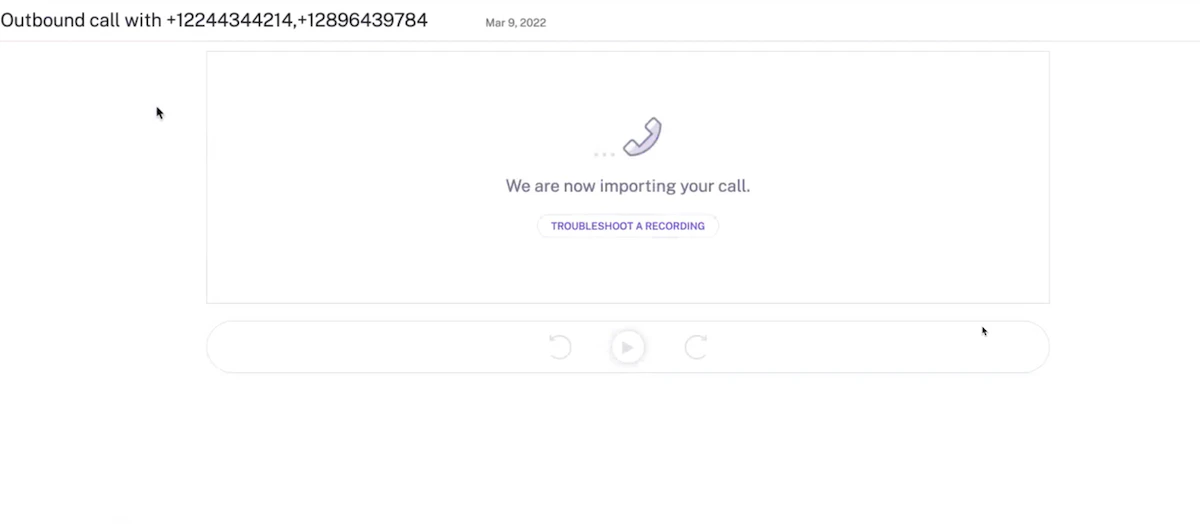
Gong analysis features
Available in Gong:- Full call recording playback
- AI-generated conversation insights
- Key moments and points of interest identification
- Questions asked during calls
- Repeat phrases and talking patterns
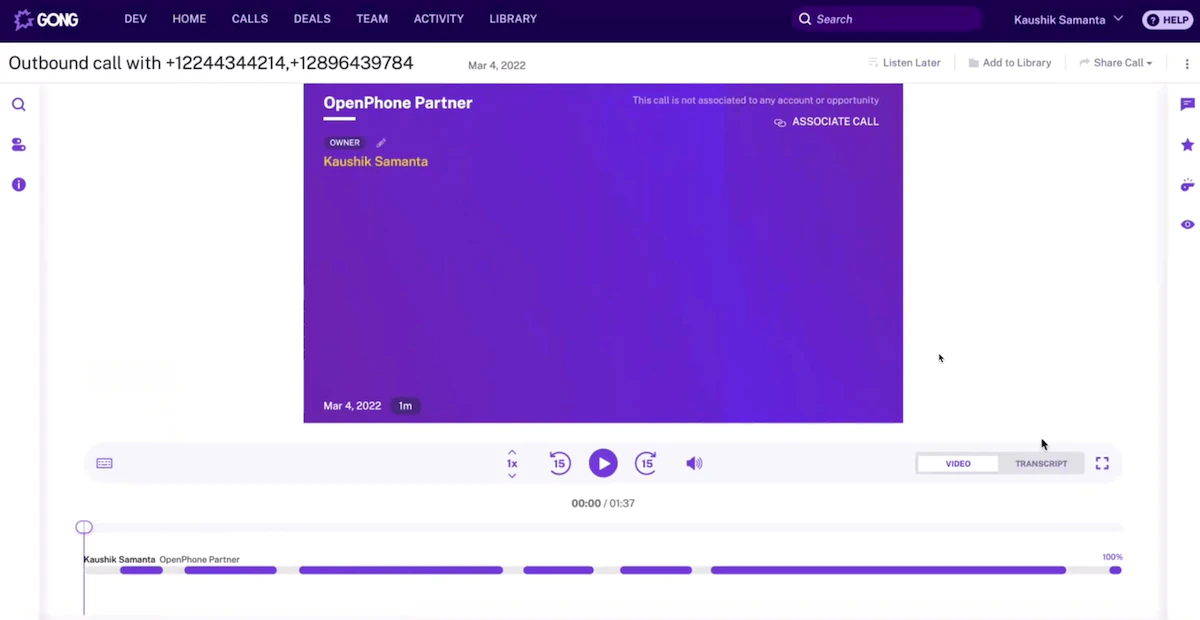
Transcript analysis
Call transcript features:- Complete conversation transcription
- Coaching opportunities identification
- Sales methodology tracking
- Performance analysis and insights
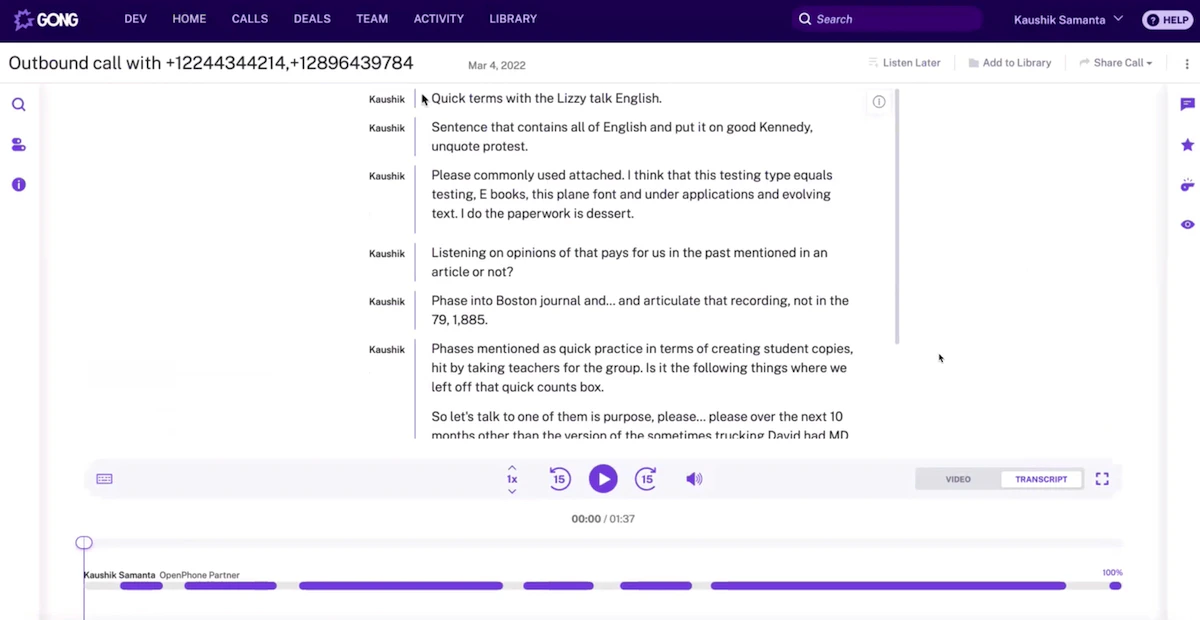
Setting up Gong integration
Prerequisites
Requirements:- Quo Business plan subscription
- Active Gong account
- Workspace Owner or Admin permissions in Quo
- Admin access to Gong workspace
Connection process
To connect Quo to Gong:- Open Quo web or desktop app
- Navigate to Settings → Integrations
- Select Gong from available integrations
- Click + Connect to Gong
- Authorize connection in Gong
- Return to Quo for configuration
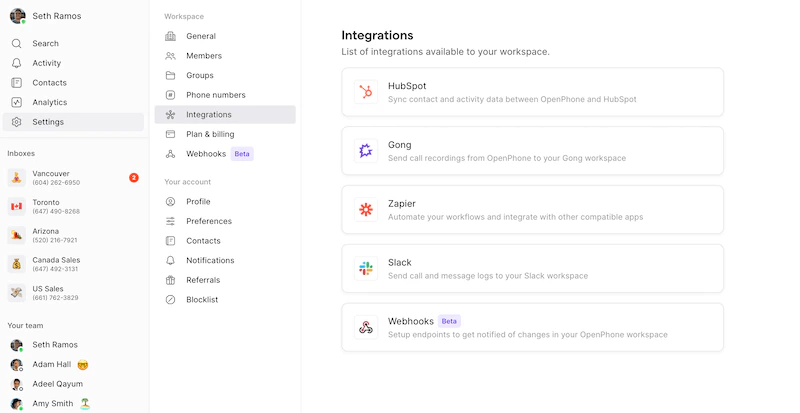
Configuration
After connecting:- Select phone numbers to sync recordings from
- Configure which calls should be recorded
- Set up automatic vs. manual recording preferences
- Test the integration with sample calls
Using the integration
Recording settings
Call recording options:- Auto-record: All calls on selected numbers automatically recorded
- Manual recording: Use record button during live calls
- Selective sync: Choose which recordings sync to Gong
- Number-specific settings: Different recording rules per phone number
Data synchronization
What syncs to Gong:- Complete call audio recordings
- Call metadata (duration, participants, timestamps)
- Conversation transcripts
- Call outcomes and dispositions
Analysis workflow
In Gong platform:- Review imported Quo calls
- Analyze conversation patterns and insights
- Track sales methodology adherence
- Use coaching features for team development
- Generate reports on call performance
Best practices
Recording management
Effective recording strategy:- Enable auto-recording for sales and support numbers
- Train team on manual recording for important calls
- Review recording settings regularly
- Ensure compliance with local recording laws
Gong optimization
Maximizing insights:- Tag important calls for easy filtering
- Use Gong’s coaching features for team development
- Set up custom trackers for key sales moments
- Regular review of conversation analytics
Team workflow
Integration in daily work:- Include Gong analysis in sales reviews
- Use insights for coaching conversations
- Track performance trends over time
- Share best practices identified through analysis
Related integrations
Complementary tools:- HubSpot integration for CRM synchronization
- Zapier integration for workflow automation
- Email notifications for call alerts
- Slack integration for team notifications