

Overview
Registering your business for carrier compliance (A2P 10DLC) ensures your messages are delivered reliably and in compliance with carrier regulations.Who should register as a business?
- Incorporated businesses (LLC, Corp, etc.)
- Organizations with an EIN (Employer Identification Number)
- Businesses sending messages on behalf of a brand or company
Watch our walkthrough
Steps to register
- Gather your business information:
- Legal business name (including info like whether you’re an LLC, an S-Corp, etc)
- EIN (Employer Identification Number)
- Official business address
- Your industry/vertical
- Submit your registration:
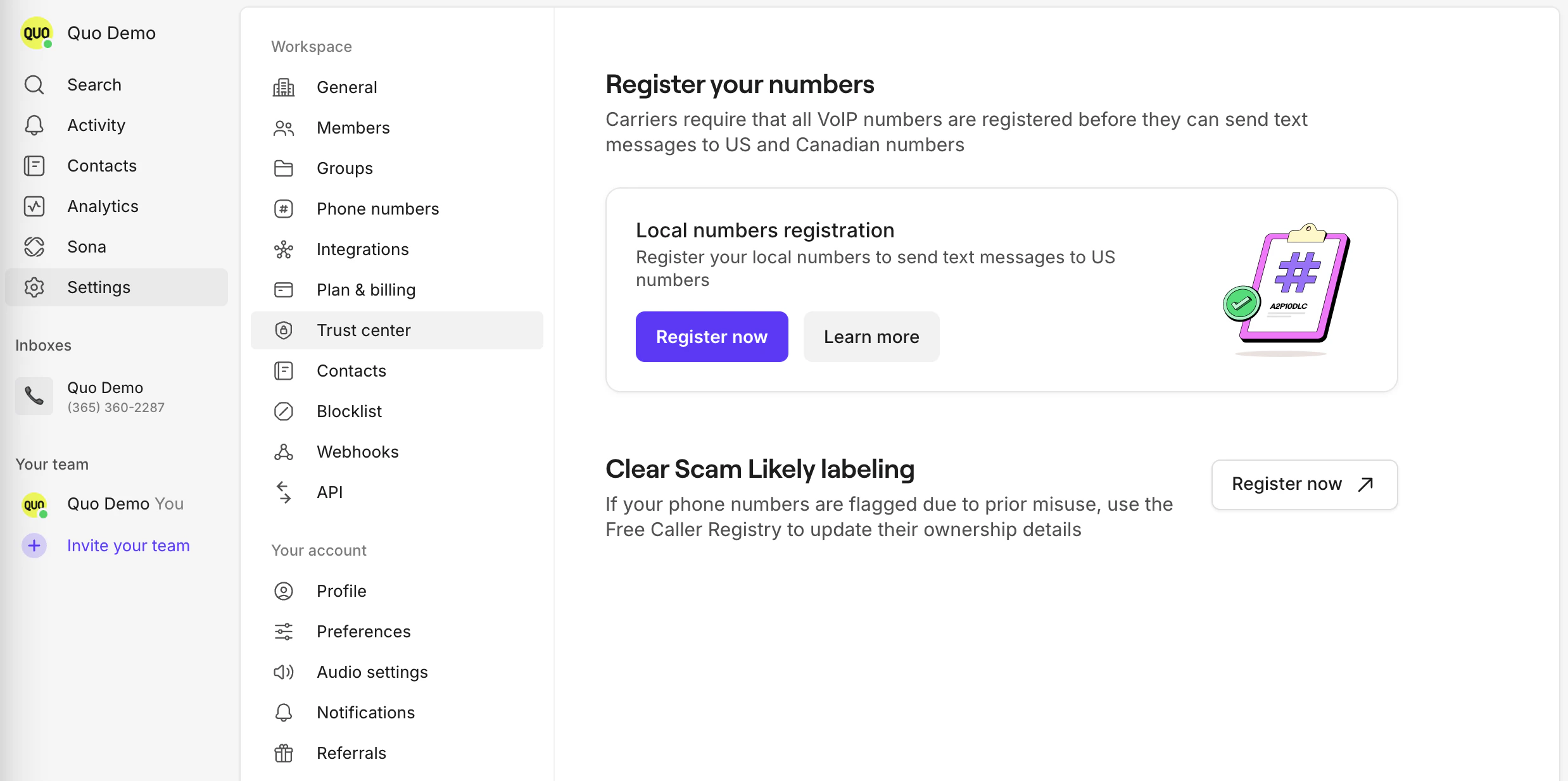
- Go to Settings, then click Trust center
-
Choose “Register now”
-
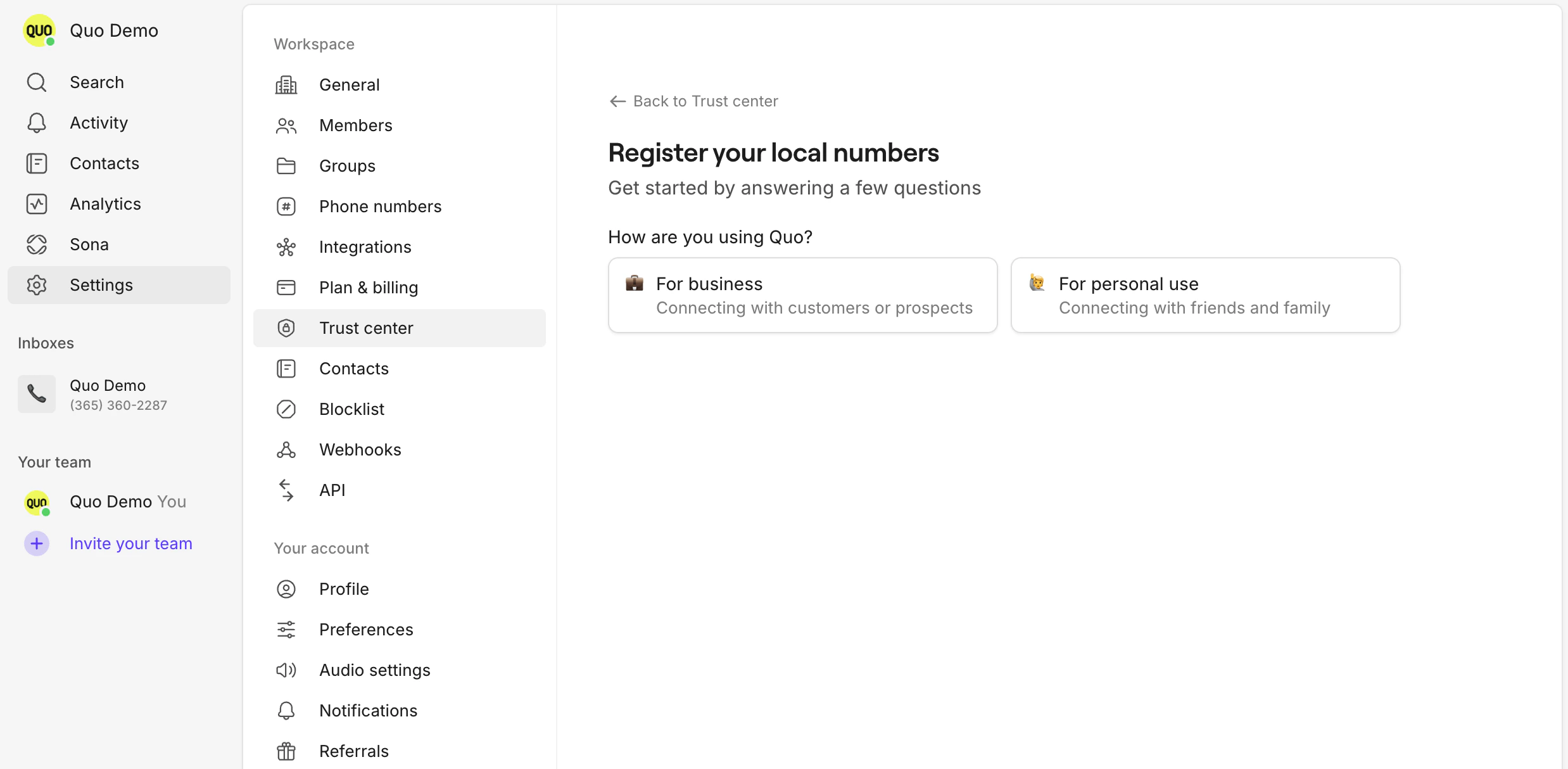
Select For business as your registration type
- Fill out the required fields and submit
- Wait for approval:
- Carrier review can take 1-3 business days
- You’ll be notified by email when your registration is approved or if more information is needed
Tips
- Double-check your EIN and business name for accuracy
- Use your official business address (this cannot be a PO Box, it MUST be a physical address)
- If you have multiple brands, register each separately
Need support?
Submit a request to our support team or chat with us.FAQs
I completed my carrier registration as sole-proprietor, is it possible to re-register as a business?
I completed my carrier registration as sole-proprietor, is it possible to re-register as a business?